
Upload mods/plugins to your Minecraft server
1 min read
It’s simple to upload mods or plugins to your Minecraft server – we’ve outlined the easiest way to do so below. Keep in mind you’ll only be able to run mods on modded server software like Forge and Fabric, and plugins on plugin-based software like Paper.
-
Head to our game panel at panel.lilypad.gg and select your server.
-
Select the Files button in the sidebar to navigate to the File Manager, and then click on the
modsfolder to upload a mod, or thepluginsfolder to upload a plugin.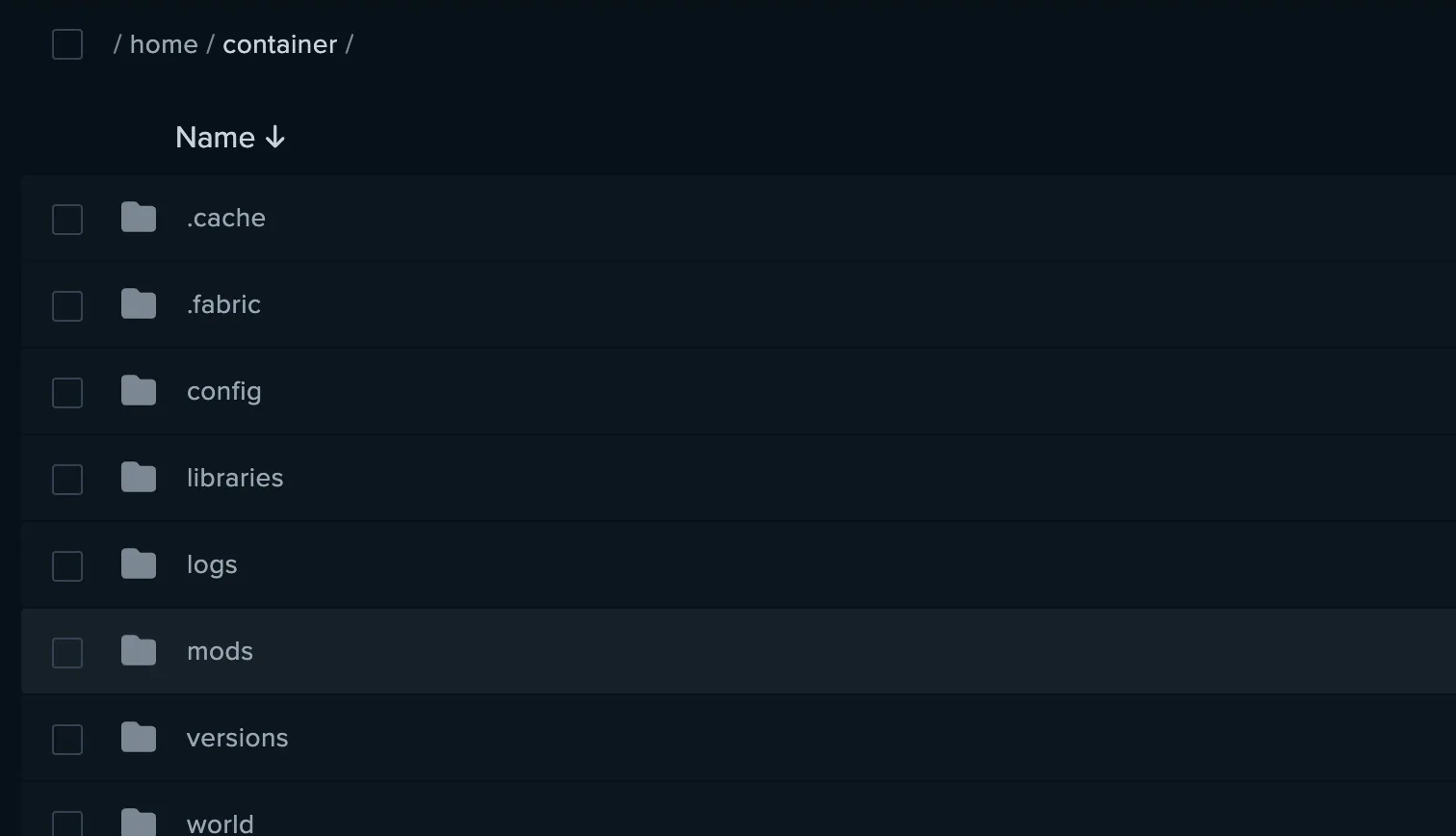
-
Drag and drop the files you wish to upload into your browser window. They should automatically upload and you can monitor the progress from the panel.
-
Restart your server and the new mods or plugins should be loaded in. You can confirm plugins have loaded in by running the
pluginscommand in your server console. If running mods, for anything that also requires client-side functionality (generally anything that adds new content to the game like blocks, mobs or biomes) you should add the same mod to your client and be able to use its features while playing on your server.
Still stuck?
Just get in touch! We're happy to help with any issues
Something not working? Check our status page to see if it's on our end