
Getting started with your Minecraft server
1 min read
Purchasing a server from Lilypad was the right choice! This article should cover the basics of setting up your Minecraft server, so that you and your friends can start playing together straight away.
You now have access to our industry-leading control panel, available at panel.lilypad.gg – if you click on that link, and then the Login with Billing button, you should see your server ready to set up:
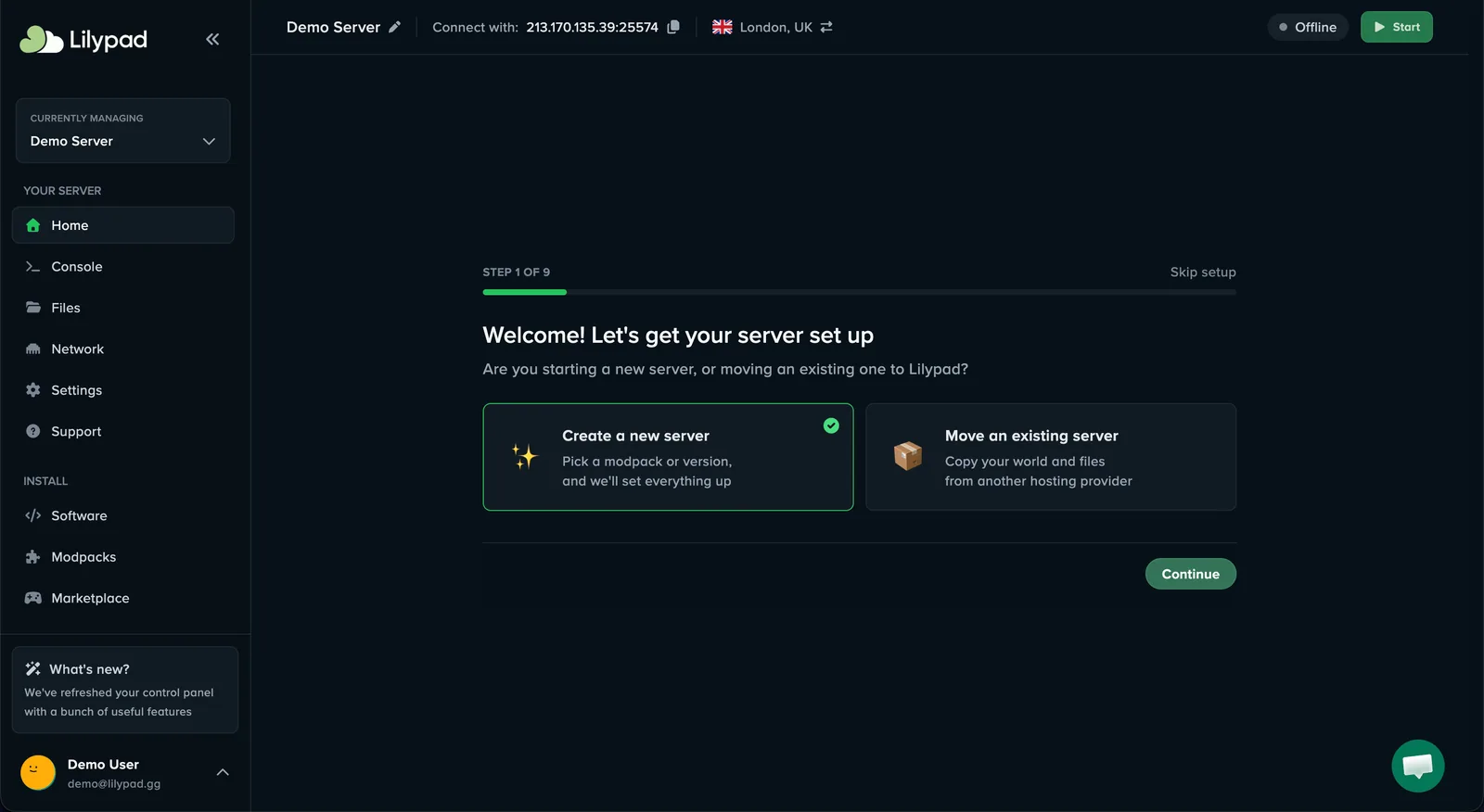
We designed the server setup process to help you get started with your server as quickly as possible, regardless of whether you’re new to Minecraft server admin or a seasoned expert. It’ll help you get a modpack or server software installed, configure world settings, and set up a whitelist to keep your server secure.
Once everything’s ready, copy the server address (or custom subdomain you set up), and connect to it via your Minecraft client, using the version you installed:
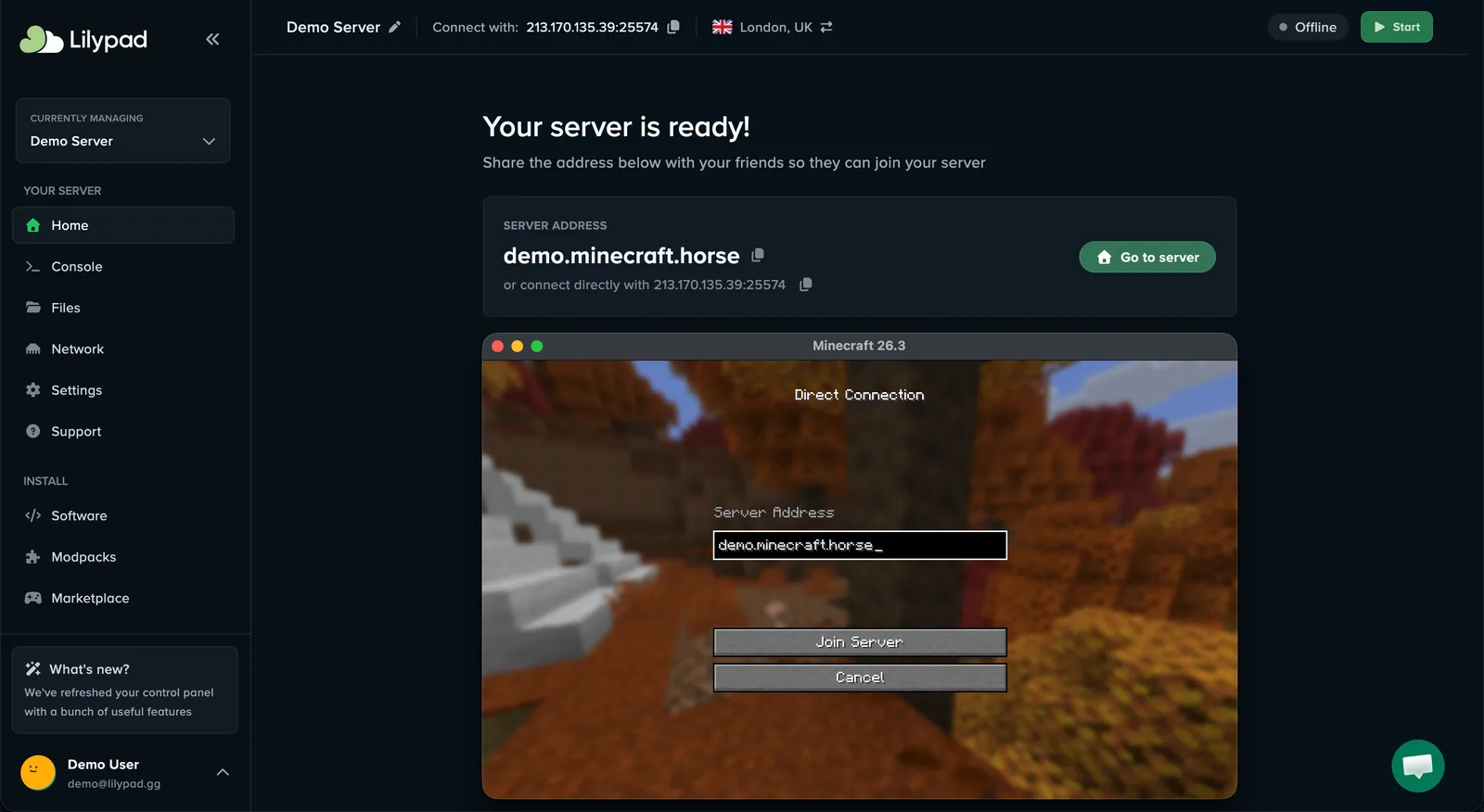
Once your server is set up, you can share this with friends and they’ll be able to connect if they have the correct mods installed. Want any friends or server staff to have panel access too? Invite them via the Subusers tab — read more here.
More Minecraft guides
- Install a modpack on your Minecraft server
- Upload mods/plugins to your Minecraft server
- Change the software/version on your Minecraft server
- Transfer your server from another provider
- Upload a custom world to your Minecraft server
- Reset the world on your Minecraft server
Still stuck?
Just get in touch! We're happy to help with any issues
Something not working? Check our status page to see if it's on our end