
Add Simple Voice Chat to your Minecraft server
1 min read
Simple Voice Chat is a great tool, allowing you to communicate with players in-game via proximity voice chat (meaning players are louder the closer they are to you). This can make your Minecraft experience even more fun, and you can see it in use in numerous videos like TommyInnit’s YouTuber Hunger Games event.
We’ve made it super easy to install and the quickest way to do so is outlined below.
-
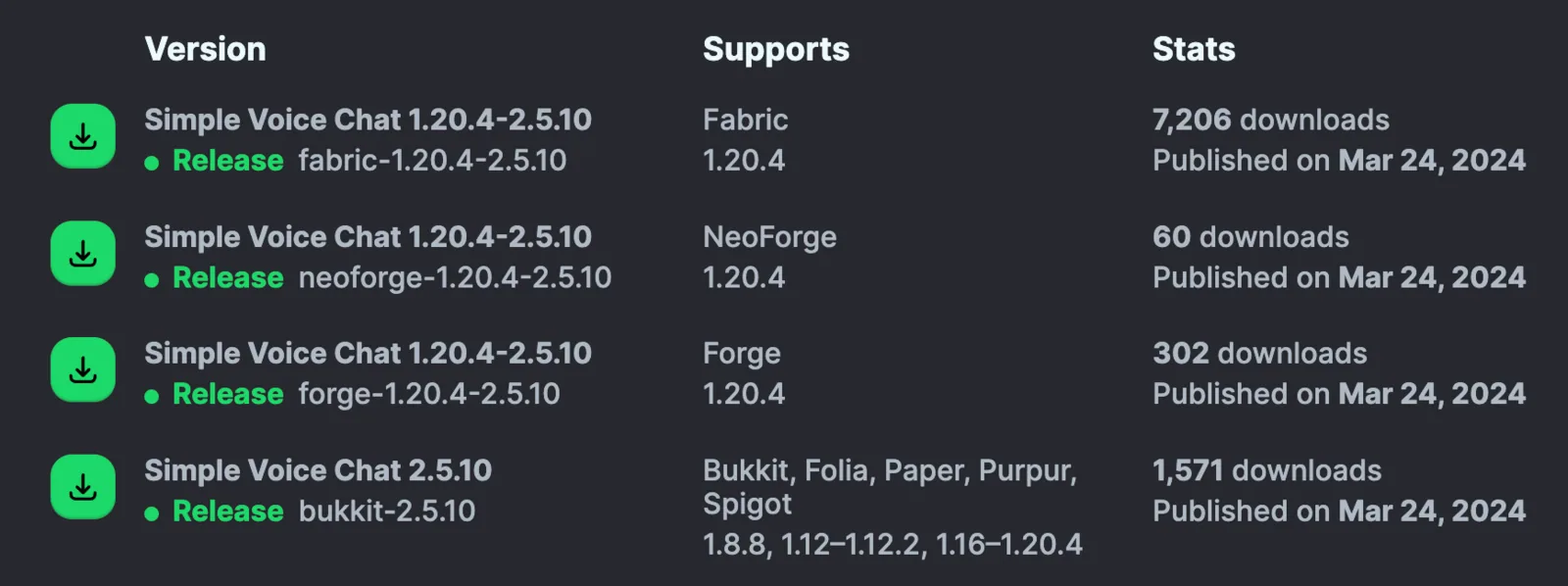
Visit the Simple Voice Chat page on Modrinth and download the corresponding version. If you’re running a Paper-based server, you’ll want the “Bukkit” plugin file, or if you’re running Fabric/Forge, the “Fabric” or “Forge” mod file.
-
Head to our game panel at panel.lilypad.gg and select your server.
-
Select the Files button in the sidebar, and then click on the
modsfolder if you’re uploading the modded version, or thepluginsfolder to upload the plugin version.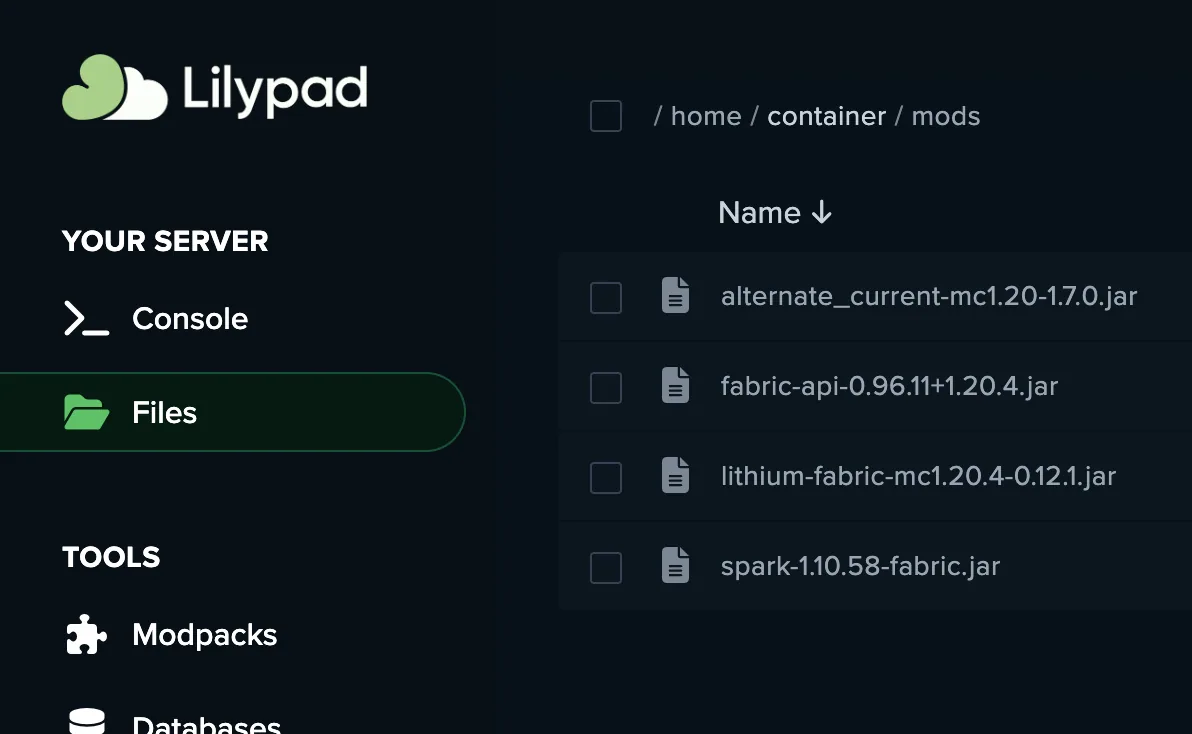
-
Drag and drop the Simple Voice Chat file into your browser window to allow it to upload.
-
Restart your server to load the new plugin/mod, then restart it one more time to allow our panel to configure it.
-
Simple Voice Chat should automatically work when you join!
More Minecraft guides
- Point a custom domain to your Minecraft server
- Give other users access to your control panel
- Set up automatic backups for your Minecraft server
- Set up automatic restarts for your Minecraft server
- Add a resource pack to your Minecraft server
- Add a datapack to your Minecraft server
Still stuck?
Just get in touch! We're happy to help with any issues
Something not working? Check our status page to see if it's on our end